The IPTV player that
keeps up with you
Fast and lightweight, for Android TV and Android phones. Add your own playlist and start watching.
14 days free · No ads · No tracking
Features
Everything you need, nothing in the way
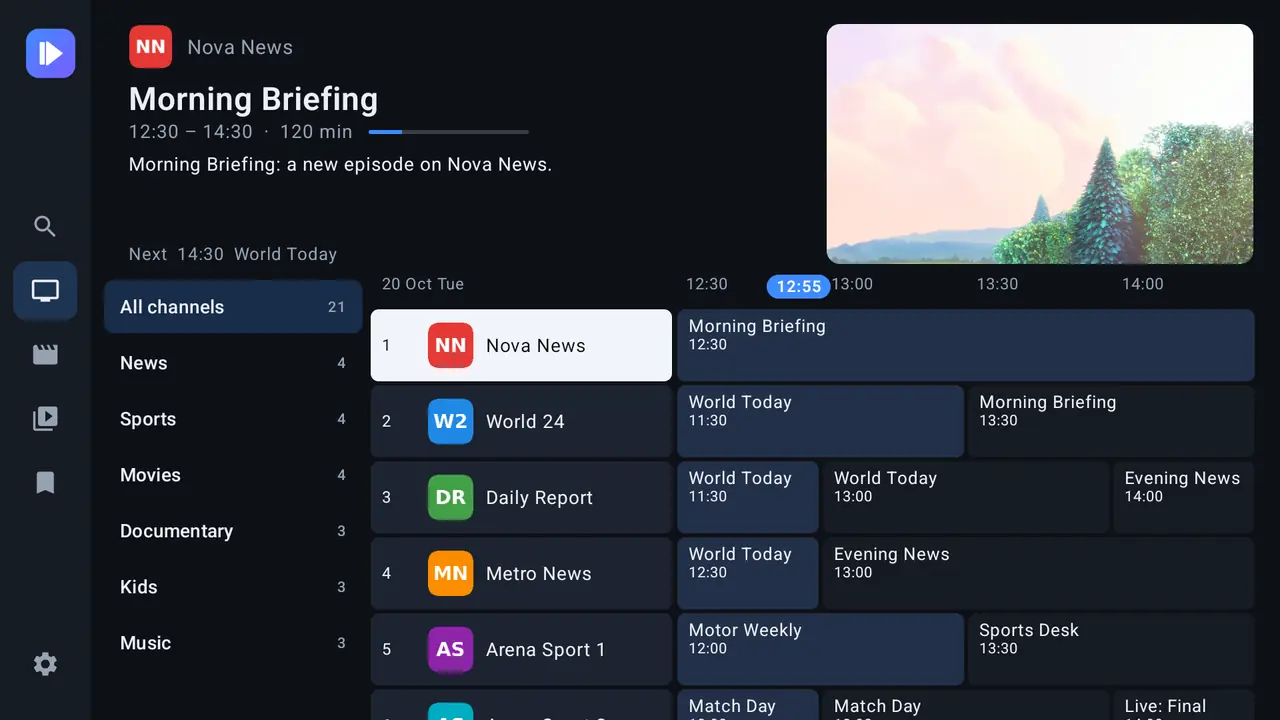
Live TV and guide
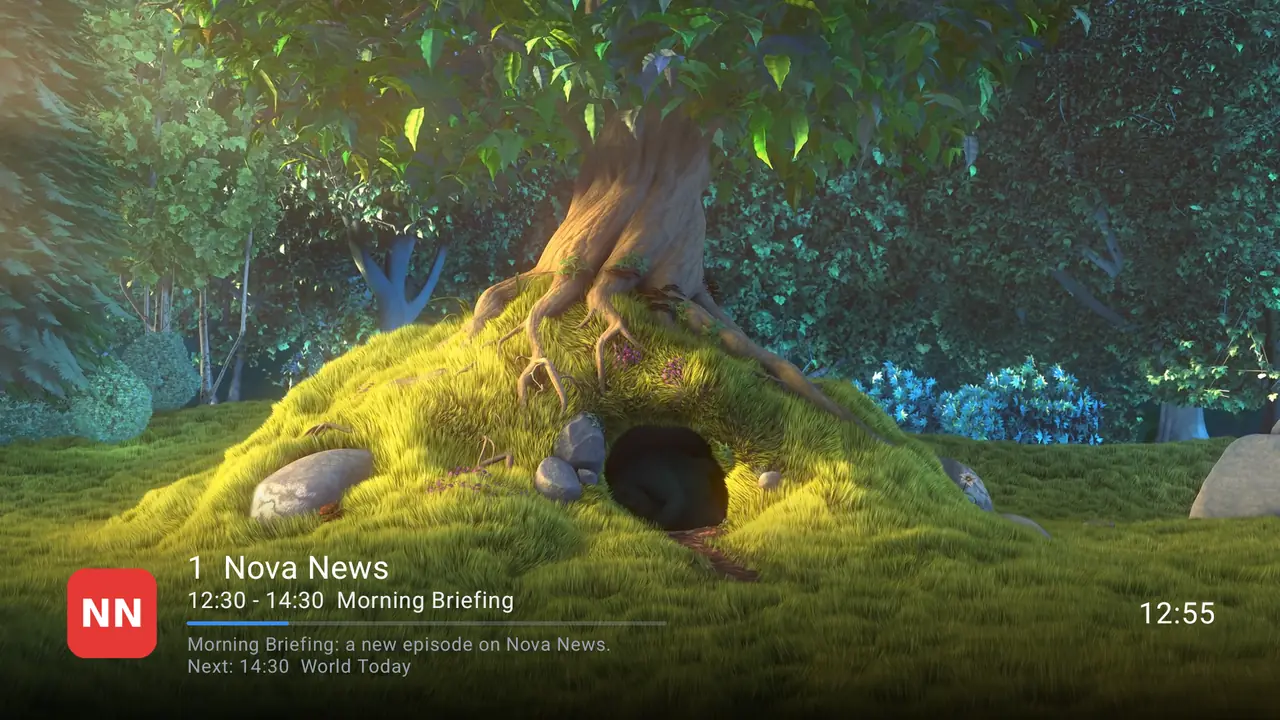
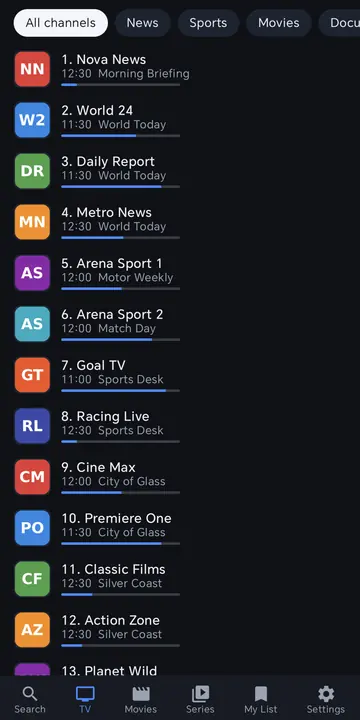
Now and next, catch-up, recording and multi-view.
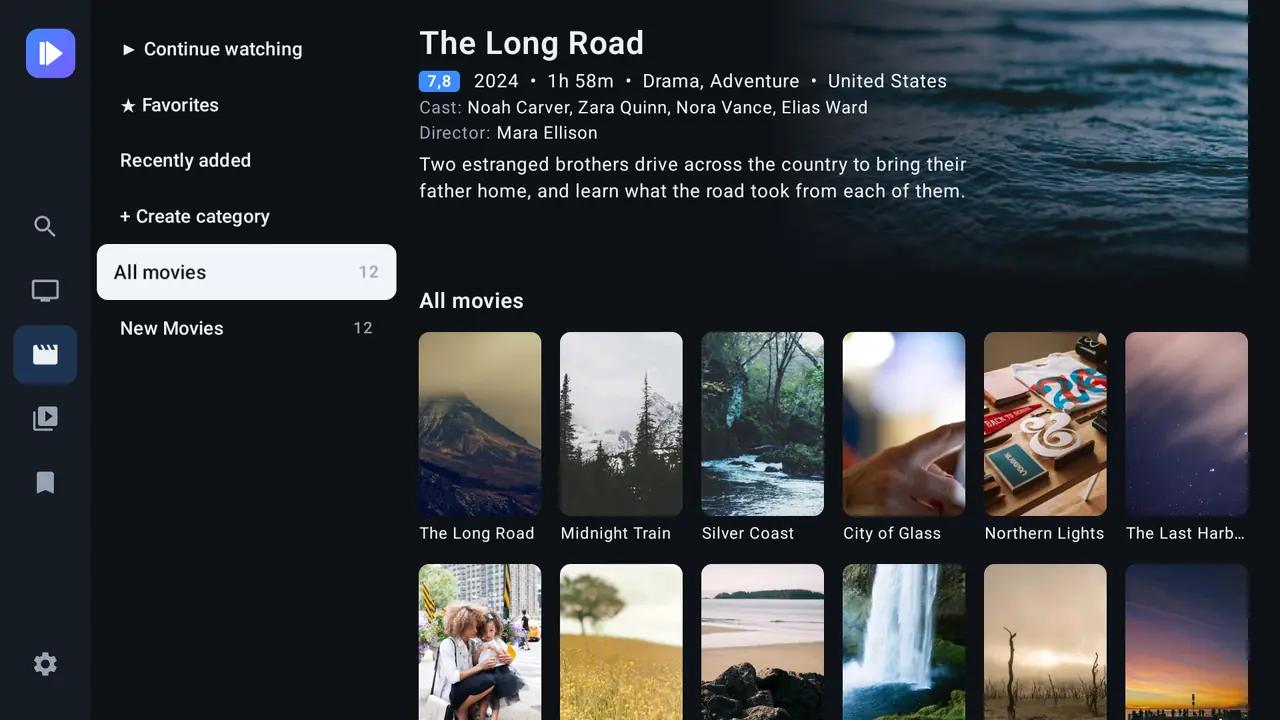
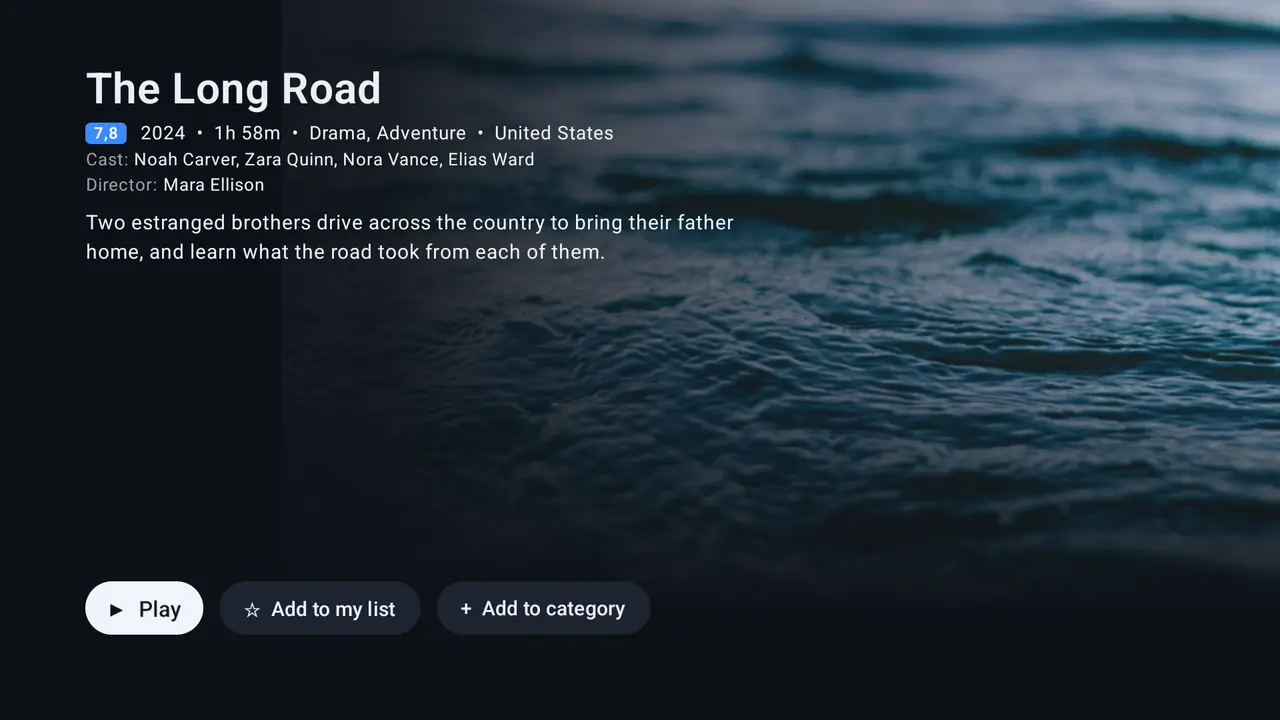
Movies and series
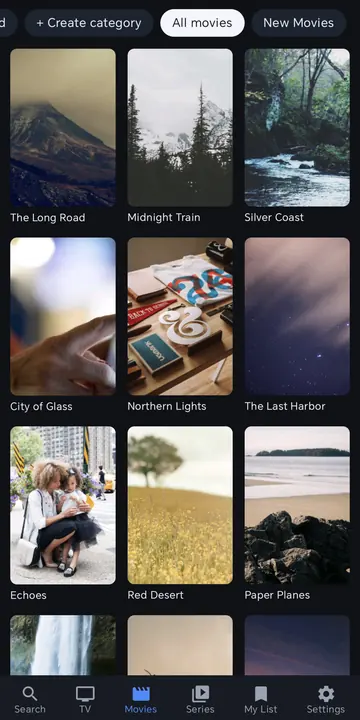
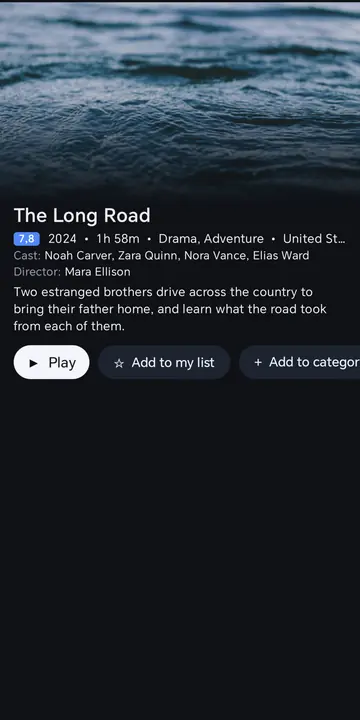
Posters, details, seasons and resume where you left off.
Fast on any box
Small app, quick start and quick channel switching.
M3U and Xtream
Add a list on the TV or from your phone with a QR code.
Made yours
Favorites, custom categories, profiles and parental PIN.
Private
No ads, no tracking. Your lists stay on your device.
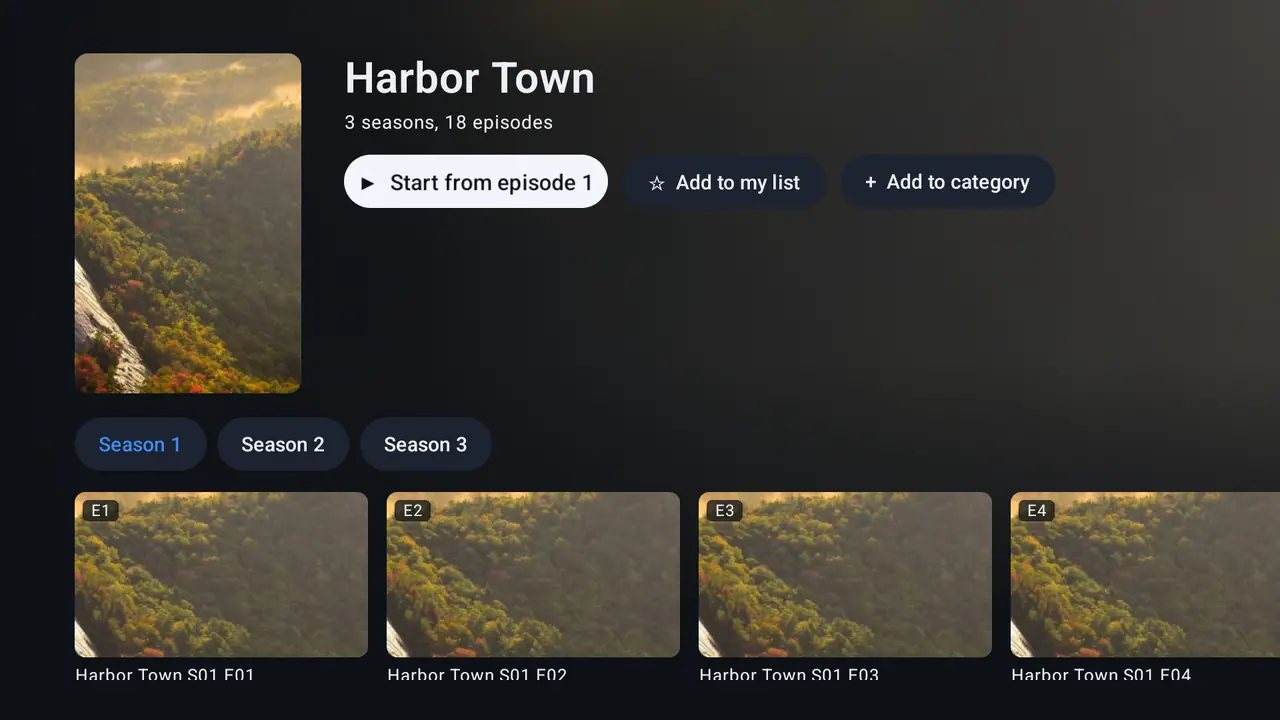
On your TV
Designed for the remote
On your phone
The same app, made for touch
Platforms
Where Kovo runs
Android TV and Google TV
TV boxes, sticks and smart TVs.
Android phones and tablets
With a touch layout and player gestures.
Apple devices
We're working on Kovo for Apple devices.
Computers
Windows, macOS and Linux, for Premium Lifetime.
FAQ
Questions
Does Kovo come with channels?
No. Kovo is only a player. You add a playlist or Xtream Codes login from your own provider.
Where do I get a playlist?
From an IPTV provider you choose yourself. We are not connected with any provider and can't help you find one.
How do I use Premium on another device?
Sign in with the same e-mail in Settings › Kovo account. You can also sign in a TV with a code from your account page.
I reached the 5 device limit. What now?
Remove a device you no longer use on your account page.
How do I contact you?
E-mail [email protected].
Kovo is a player only
Kovo does not provide any content: no channels, movies, series, playlists or subscriptions, and we do not sell or recommend any. You need a playlist or Xtream Codes login from a provider you have chosen yourself. We do not endorse streaming copyright-protected material without permission from the copyright owner.